Stair Stringer Calculator
Work out riser count, tread depth, and stringer length from floor-to-floor rise and total run. Free on the web; the iPhone app keeps the same layout math offline with residential comfort checks.

Stair stringer layout
Enter floor-to-floor rise and total run. Results update as you type.
Stringer length
- Risers
- Treads
- Exact riser height
- Exact tread depth
- Stair angle
- 2R + T
- Compliance
- Cut layout
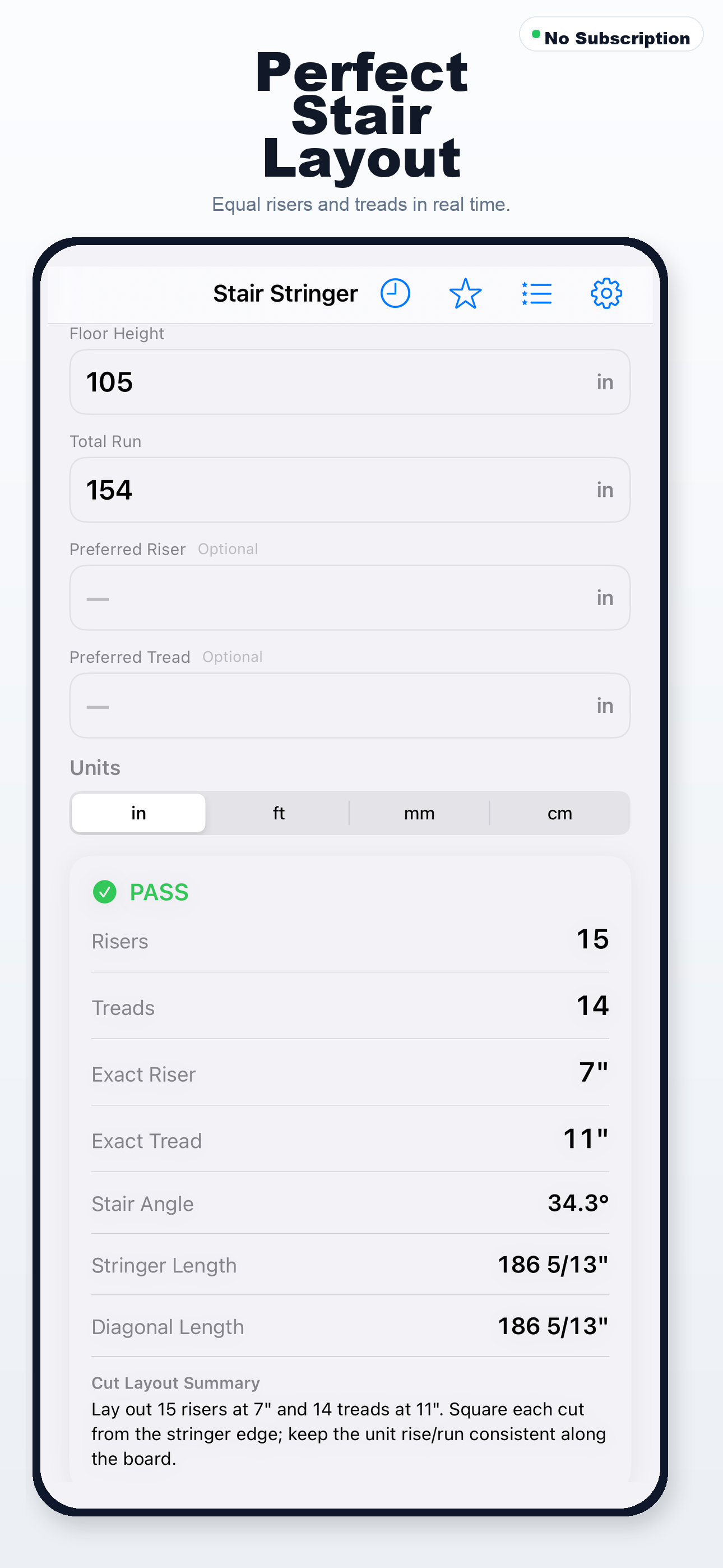
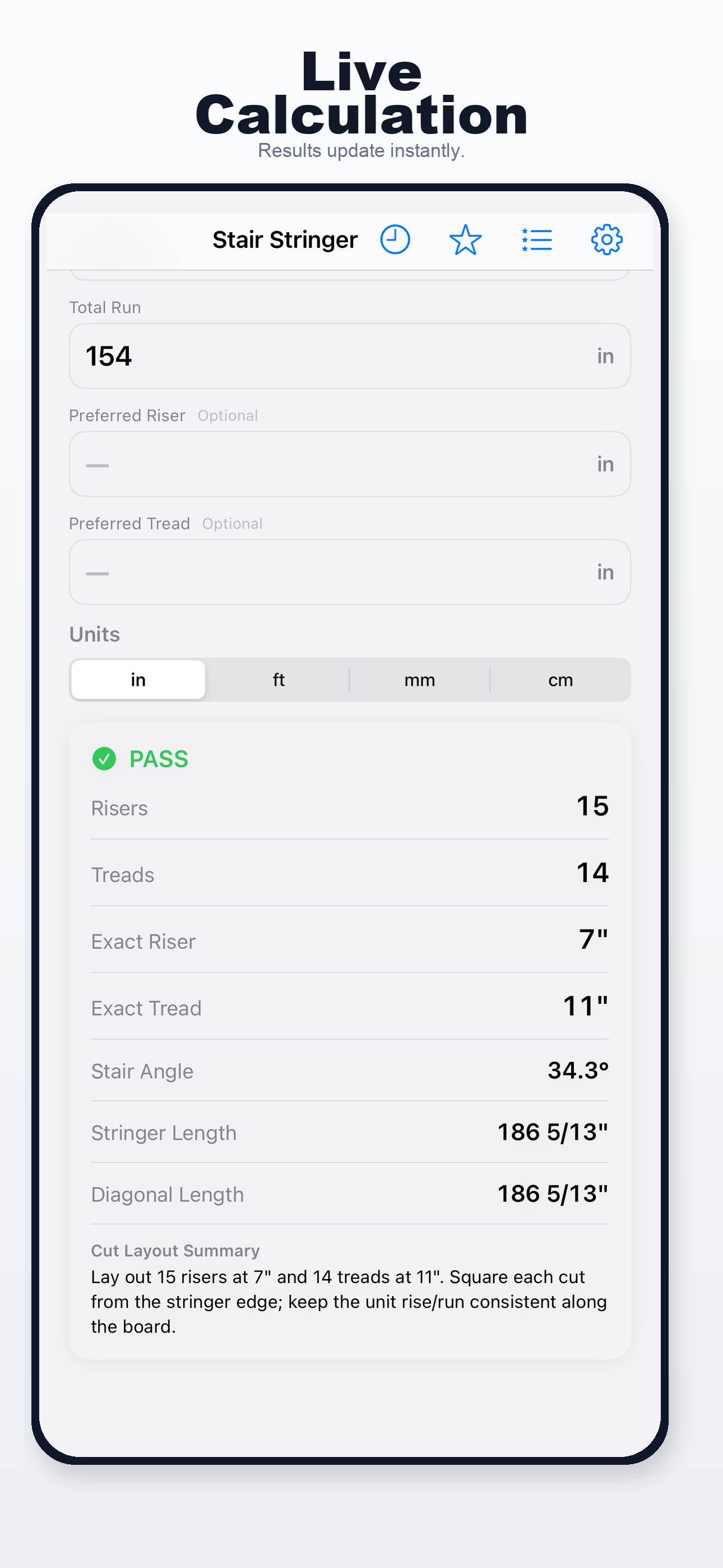
App screenshots
Real Stair Stringer Calculator screens from the App Store listing.
How to use this calculator
- Measure floor height (rise) and total run available for the stair.
- Optionally set a preferred riser height or tread depth to steer the layout.
- Review warnings if risers or treads fall outside typical residential ranges.
Features
- Automatic riser count selection
- Exact rise and tread depths
- Stringer length and stair angle
- 2R+T comfort check
- Residential layout warnings
- Offline iPhone workflow
Formula
Riser count is chosen so each riser ≈ floor height ÷ count. Tread depth = total run ÷ (riser count − 1). Stringer length = √(floor height² + total run²).
9 ft rise, 10 ft run
A common layout uses 14 risers at about 7.71 in each and 13 treads at about 9.23 in, with stringer length near 13.6 ft.
Practical notes
- Defaults follow typical residential IRC-style limits used in the iOS engine — your AHJ may differ.
- The 2R + T comfort rule is informational, not a code pass/fail.
Take it to the job site
Use Stair Stringer Calculator on your iPhone for fast repeat calculations and the full native workflow — wherever you're working.
Related calculators

Baluster Calculator
Even baluster spacing for rails and decks.


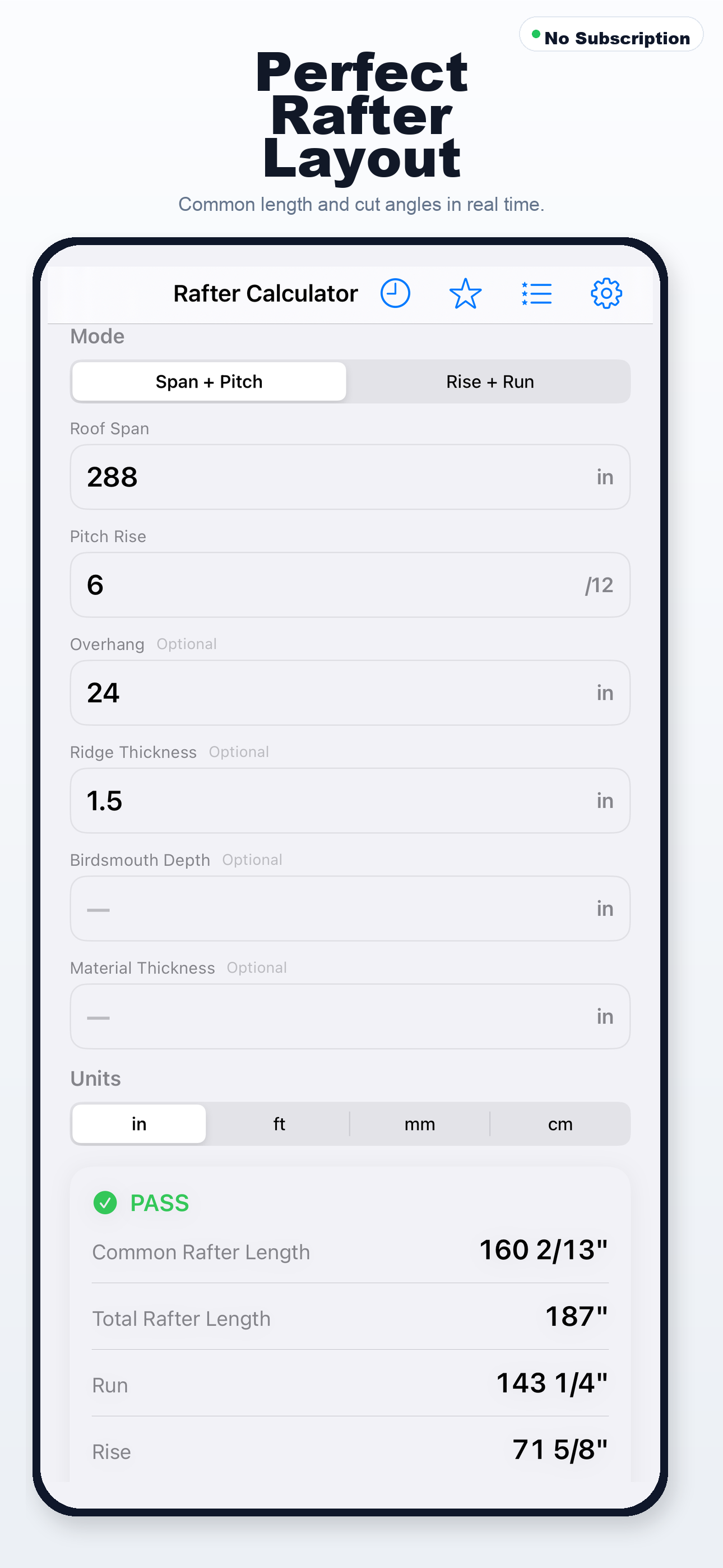
Rafter Calculator
Common rafter length, plumb cut, and seat cut from span or rise/run.

Feet & Fraction Calculator
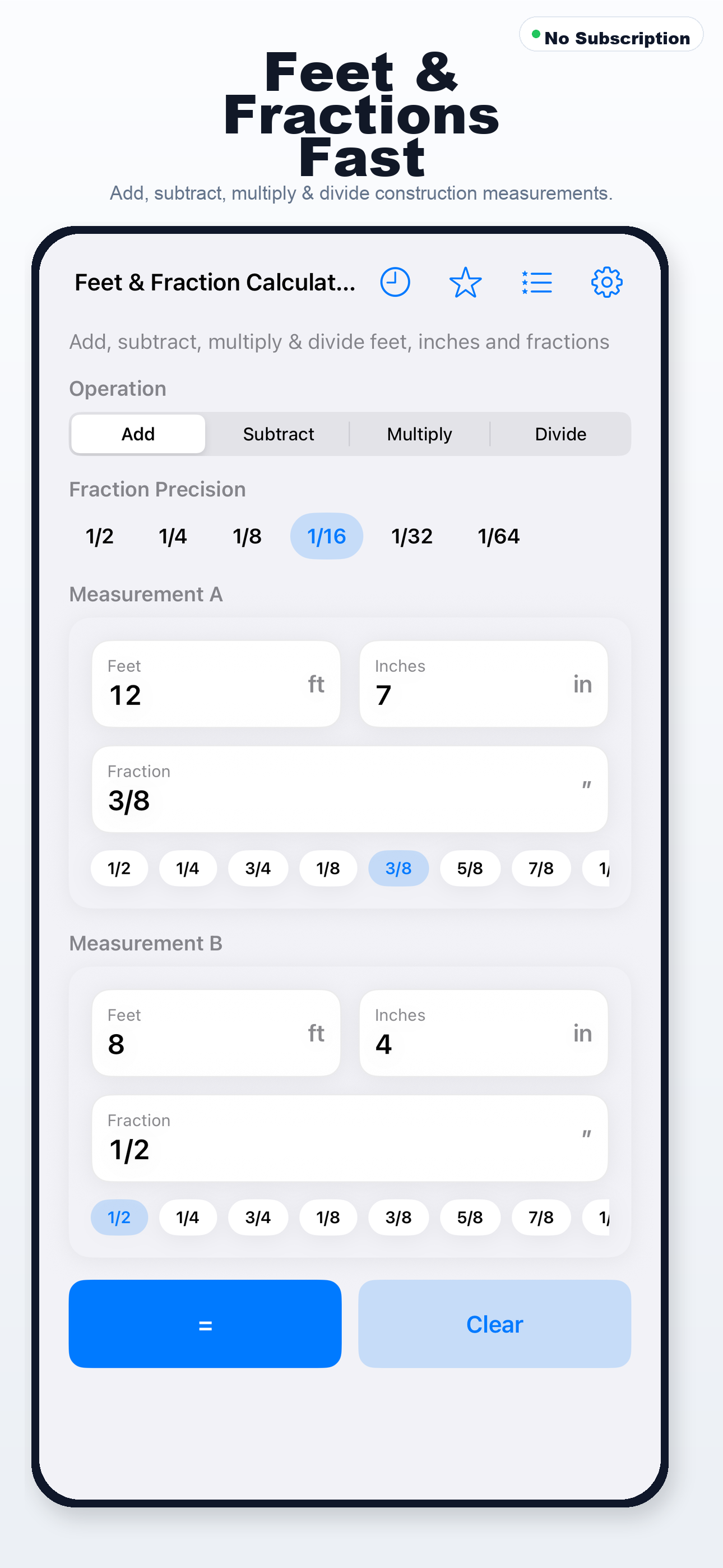
Add, subtract, multiply, and divide construction measurements.
Related guides
- How to Calculate Stair Rise and Run — Find riser height, tread depth, and unit count from total rise.
- How to Lay Out Stair Stringers — Translate rise/run math into a stringer cut layout.
FAQ
Why does riser count change my tread depth?
Treads = risers − 1 for a straight run. More risers means more steps and shallower treads for the same total run.
Stair geometry varies by code edition and use group. Verify with local requirements before cutting stringers.